AI photo to video generator
About this tool & models
Turn photos into five-second AI videos. Start with a trend template or write your own prompt for portraits, pets and products.
AI video models:Kling 2.6Vidu Q4Seedance 2.0 FastSeedance 2.5Wan 2.2
AI video prompts and trend examples
Angkor dawn — AI video prompt
Fantasy · full prompt includedCheese moon — AI video trend prompt
Fantasy · full prompt includedSpa day — AI video trend prompt
Pets · full prompt includedExplore six-second reference clips and prompts inspired by their scenes. Select a prompt to customize it with your photo. SnapToClip generates five-second videos; results will vary.
More ways to createFree photo animation ↗Halloween ↗Christmas ↗Becane studio parody ↗Paparazzi red carpet ↗
FROM PHOTO TO VIDEO
How to turn an image into a video
- 01
Choose a template
Portrait, pet or product.
- 02
Upload a photo
Any clear JPG, PNG or WebP.
- 03
Edit the prompt
AI drafts it for you — change the action, scene or camera angle.
- 04
Preview and download
Review the 5-second clip, then download and share.
Free AI video generator? Preset photo animation is free — AI clips use credits. Sound is optional.
SEEDANCE 2.5 · FIVE SECONDS · 9:16 · 720P
What Seedance 2.5 does in five seconds
Twenty clips, one frame shape and one length: five seconds, 9:16, 720p, silent. Pets and products, faces and fireworks, a grove of bamboo and a city under water. Every one is shown at the settings the studio actually runs — no thirty-second landscape reel dressed up as a five-second vertical.
- 01 · 5s
Seedance 2.5: Sand gate at dusk
A tunnel of light opens over empty dunes, and the camera never cuts — five seconds stay one shot.
- 02 · 5s
Seedance 2.5: Podcast host, mid-sentence
Face and hands in one take: the mouth has to keep its shape through a whole answer, which is the hardest thing here.
- 03 · 5s
Seedance 2.5: A world inside the eye
Macro eyes are the hardest close-up: the iris has to hold still while everything in it moves.
- 04 · 5s
Seedance 2.5: Bamboo grove, white robes
Cloth and leaves move at different speeds, which is what sells the slow motion.
- 05 · 5s
Seedance 2.5: Moto over the dunes
A rider in the air with the horizon level: one action, one arc, nothing drifting.
- 06 · 5s
Seedance 2.5: Cobbled street, long dress
One walk toward the lens carries five seconds; the dress and the stone do the rest.
- 07 · 5s
Seedance 2.5: Amber bottle orbit
Products survive camera moves better than subjects do — nothing has to reshape.
- 08 · 5s
Seedance 2.5: Shout at open water
One face, one emotion, held for five seconds without the mouth melting.
- 09 · 5s
Seedance 2.5: Blue water, abstract
No subject to break: water and light are where the model looks most expensive.
- 10 · 5s
Seedance 2.5: Puppy leans in
A small head tilt plus one leaf is enough motion to read as video.
- 11 · 5s
Seedance 2.5: Neon rooftop
Night rooftop, wet reflections: the palette carries the shot more than the character does.
- 12 · 5s
Seedance 2.5: Dancer in dust
Backlight and dust hide the seams that a clean studio wall would show.
- 13 · 5s
Seedance 2.5: Dancing in the rain
Two people, one street, no cut: the shot holds because the emotion does.
- 14 · 5s
Seedance 2.5: Painted frame, moving
Brushwork instead of pixels: the texture carries the motion, and no face has to stay photoreal.
- 15 · 5s
Seedance 2.5: Party-hat bounce
One action, one subject: the head tilt lands because nothing else moves much.
- 16 · 5s
Seedance 2.5: Can in hand, to camera
The straight-to-camera UGC look: handheld, one product, one line of talk.
- 17 · 5s
Seedance 2.5: Doorway of blue light
Two figures and a light source carry the whole story without a close-up.
- 18 · 5s
Seedance 2.5: Two angles of one soldier
A cut inside five seconds — proof the model can change angle, not only move.
- 19 · 5s
Seedance 2.5: Sunken city
A whole environment with figures small in frame: scale without a close-up.
- 20 · 5s
Seedance 2.5: Moonlit garden sit
Mist and lantern flicker give a nearly static pose somewhere to go.
Four of these came out of this studio, with the prompt and input photo published on the Seedance 2.5 page; the rest are public Seedance 2.5 output, cropped to the same 9:16 frame. All twenty are silent, because that is what a clip here is.
FREE BROWSER TOOLS
Free tools for photos and videos
No account or credits needed.
Your files stay in your browser.
Image to GIF maker
Combine pictures into a looping GIF, or give one photo a gentle zoom. Free, without uploads.
Open free tool ↗GIF background remover
Remove a plain background from every GIF frame and download a transparent animation.
Open free tool ↗Live Photo maker
Turn a short video into a press-to-play web photo or a matching Apple photo and video pair.
Open free tool ↗Video to GIF converter
Choose a short moment from a video, resize it and download a looping GIF without sound.
Open free tool ↗ONE-TIME CREDIT PACKS
AI video credit packs
One-time purchases. No subscription.
Checking purchase availability…
Try a few ideasStart small
Starter
$9.99USD · one-time
10 credits · +2 bonus · $1.00 per standard silent video
- 10 standard silent videos
- Or 5 standard videos with sound
- 5-second vertical MP4
- Up to 4 reference photos
- Editable template prompts
- Credits back for confirmed failures
All models included
Wan · Kling · Vidu1–2 credits / video
Seedance 2.0 Fast5 videos · 2 credits each
Seedance 2.52 videos · 4 credits each
720p on Seedance, Wan and Vidu. Kling output may be 1080p. Sound included in Seedance pricing.Create more oftenSave 17% / credit
Creator
$24.99USD · one-time
30 credits · +8 bonus · $0.83 per standard silent video
- 30 standard silent videos
- Or 15 standard videos with sound
- 5-second vertical MP4
- Up to 4 reference photos
- Editable template prompts
- Credits back for confirmed failures
All models included
Wan · Kling · Vidu1–2 credits / video
Seedance 2.0 Fast15 videos · 2 credits each
Seedance 2.57 videos · 4 credits each
720p on Seedance, Wan and Vidu. Kling output may be 1080p. Sound included in Seedance pricing.Make room to experimentSave 25% / credit
Studio
$59.99USD · one-time
80 credits · +25 bonus · $0.75 per standard silent video
- 80 standard silent videos
- Or 40 standard videos with sound
- 5-second vertical MP4
- Up to 4 reference photos
- Editable template prompts
- Credits back for confirmed failures
All models included
Wan · Kling · Vidu1–2 credits / video
Seedance 2.0 Fast40 videos · 2 credits each
Seedance 2.520 videos · 4 credits each
720p on Seedance, Wan and Vidu. Kling output may be 1080p. Sound included in Seedance pricing.Standard mode automatically uses Kling 2.6, Vidu Q4 or Wan 2.2 based on your photo count and sound setting. Seedance 2.0 Fast and Seedance 2.5 are optional upgrades, selected only with your explicit price confirmation. The studio shows the model and credit cost before generation. Media safety review uses Google Gemini 3.8 Flash. Free photo animation runs in your browser without generating a new AI scene. Check current availability before uploading or buying credits.
Standard scene videos are 5 seconds: 1 credit silent or 2 with sound. Seedance upgrades cost 2 or 4 credits. All photos and results must pass safety review. A confirmed failed step returns its reserved credits.
GUIDES AND TIPS
Photo-to-video guides and ideas
TOOL GUIDES
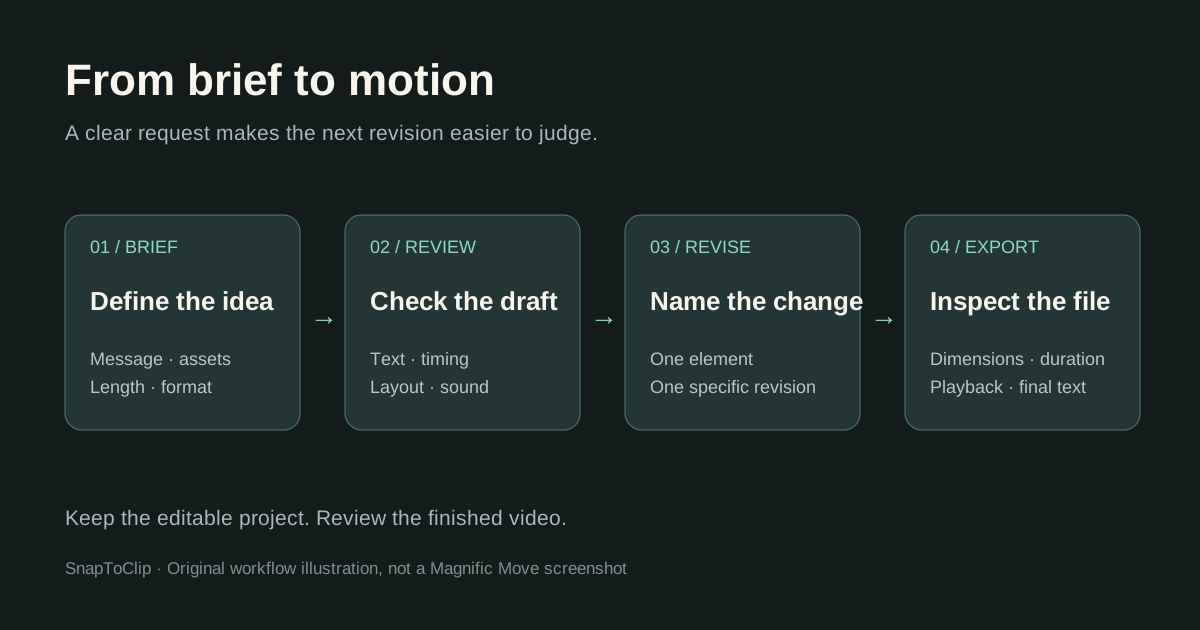
Magnific Move: What It Is and How It Works
Explore Magnific Move, its editable motion graphics workflow, MP4 exports and connection to HyperFrames, with a practical example prompt.
Read the guide ↗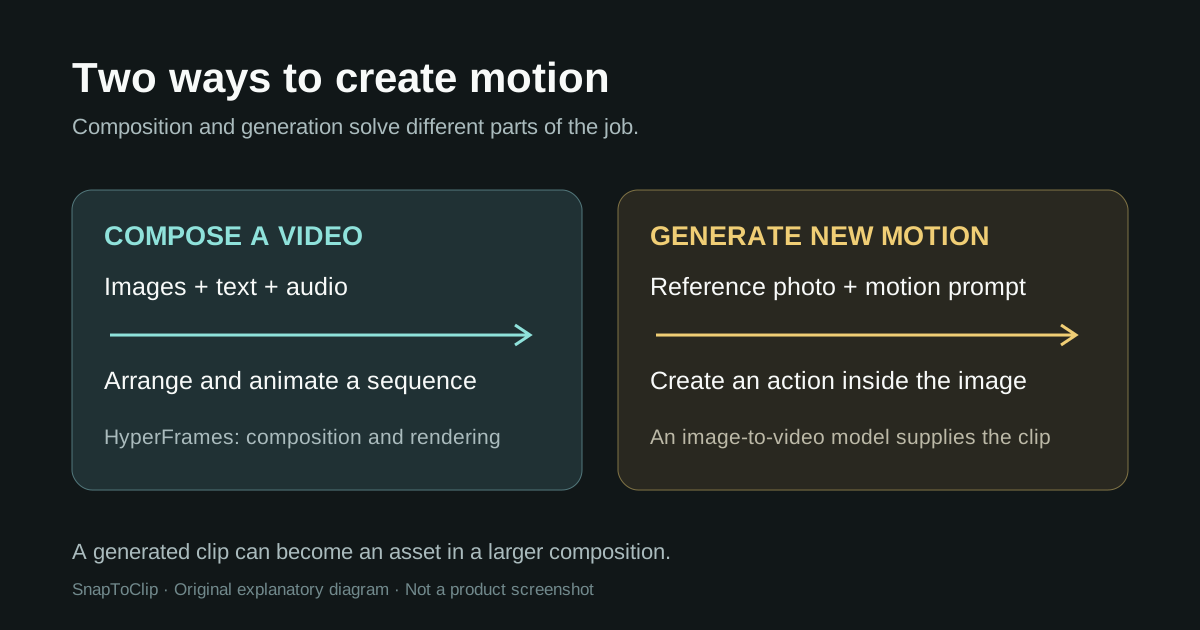
TOOL GUIDES
HyperFrames by HeyGen: What It Is and How to Use It
Learn what HeyGen’s HyperFrames does, how Studio differs from the open-source framework, and when to use it for animation or image-to-video projects.
Read the guide ↗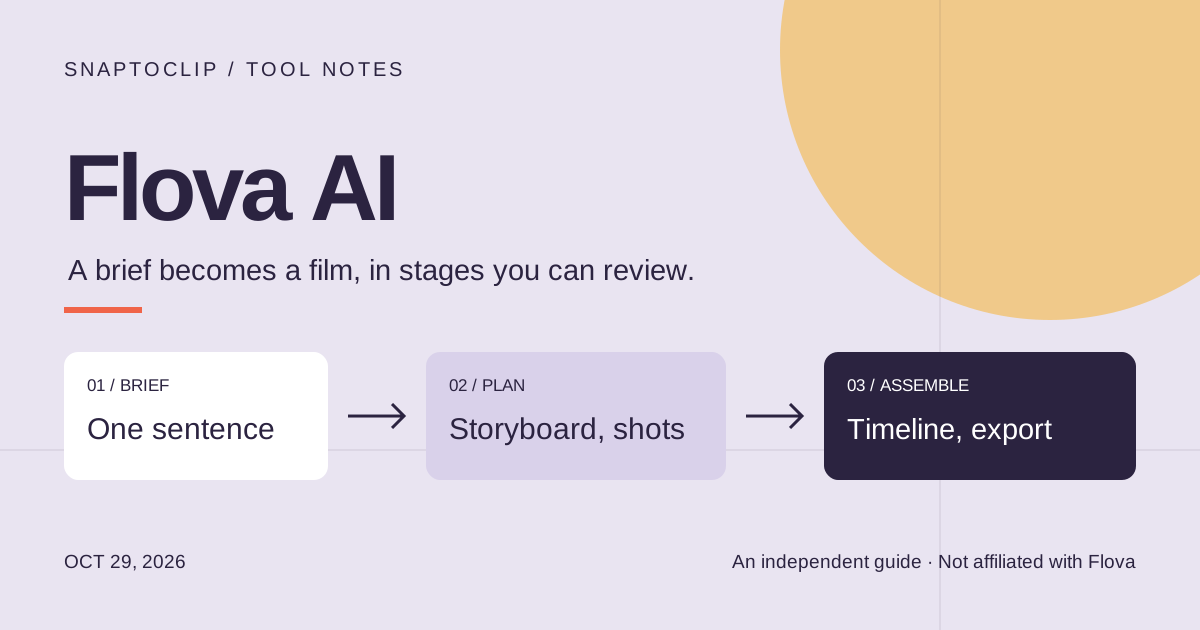
TOOL GUIDES
Flova AI (flova.ai): what it makes and costs
Flova AI turns a brief into a storyboard, shots and a timeline. What it is, what its plans list in 2026, and when one photo and one credit is enough.
Read the guide ↗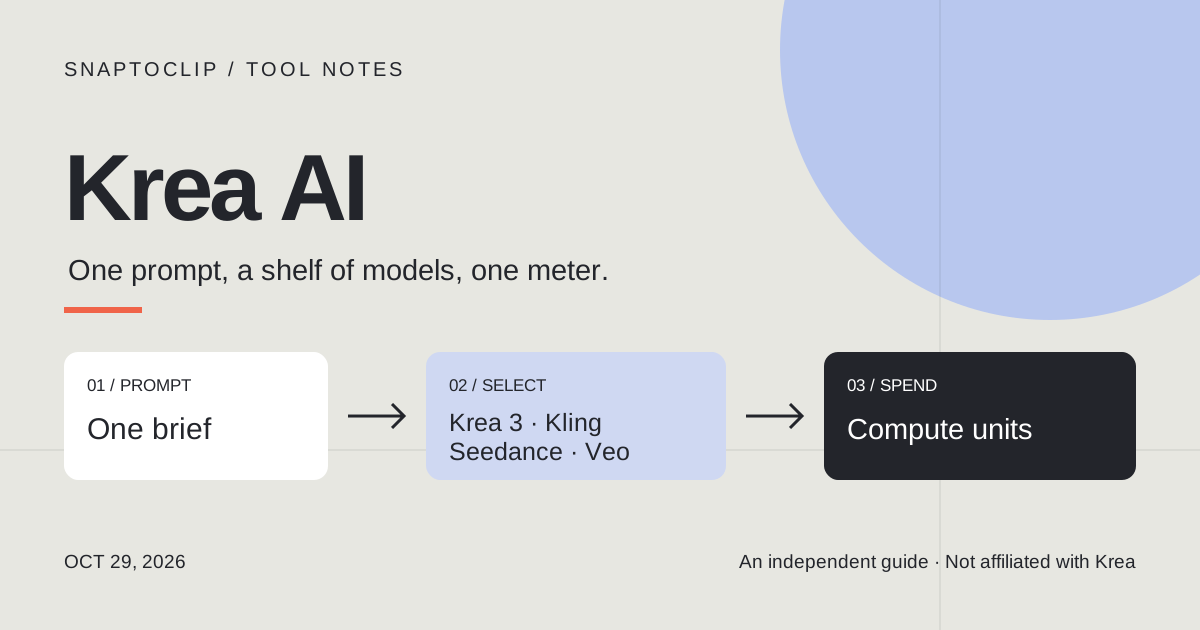
TOOL GUIDES
Krea AI (krea.ai): what it makes and costs
Krea AI is a realtime image and video studio at krea.ai. What the six plans cost in 2026, what a compute unit buys, and when one photo is the whole job.
Read the guide ↗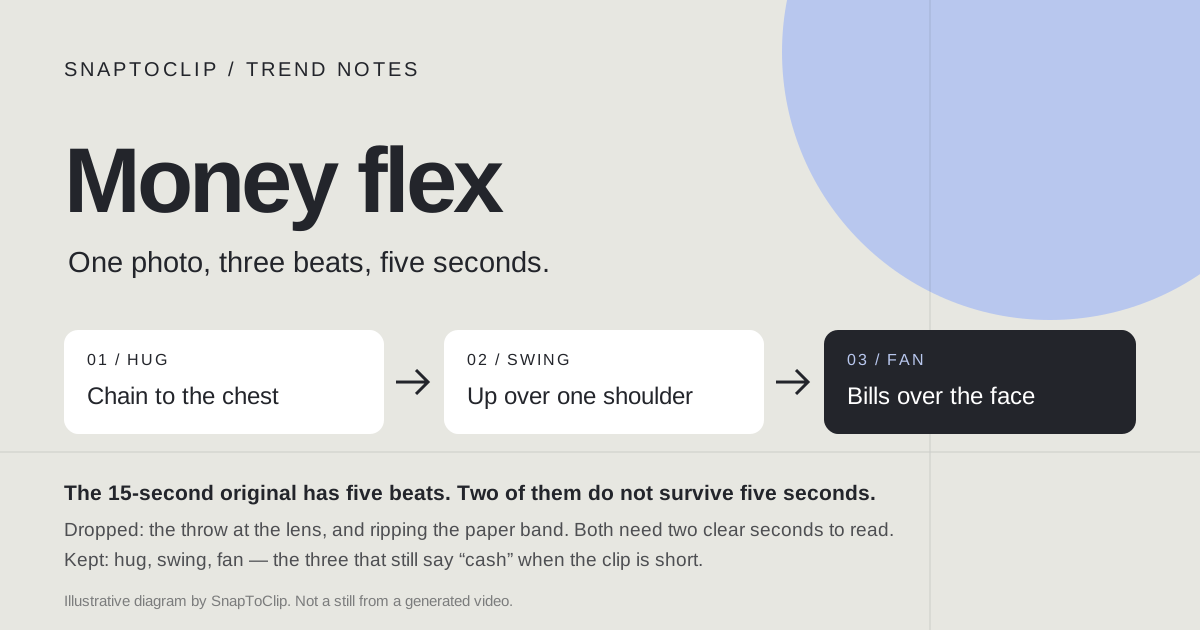
TREND GUIDES
Money flex AI: the cash-fan video from a photo
The money flex AI trend is a 15-second cash-fan clip built from one photo. Its five beats, what a 5-second prompt can hold, and the prompt to paste.
Read the guide ↗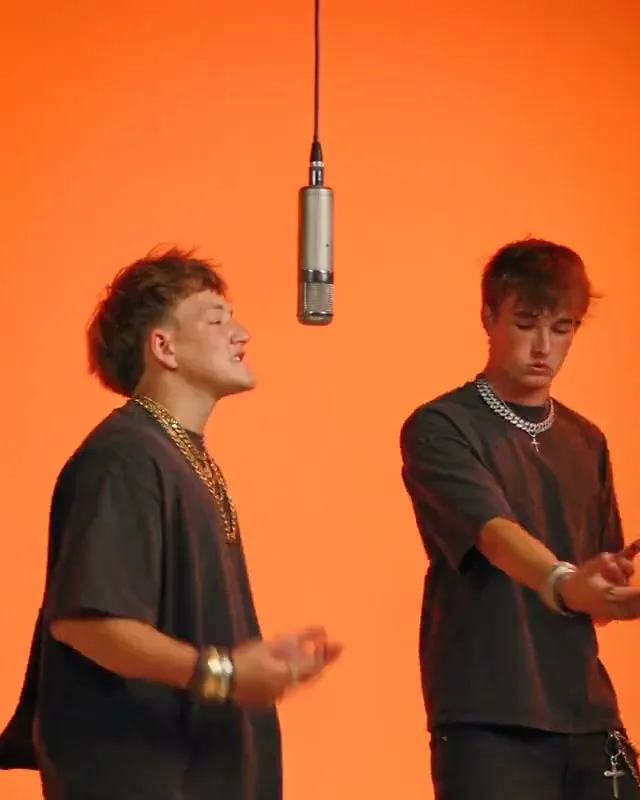
TREND GUIDES
Hotel Lobby AI free: what you can make without paying
Free photo animation versus a generated Hotel Lobby scene: compare inputs, sound, credit costs and the limits to check before creating.
Read the guide ↗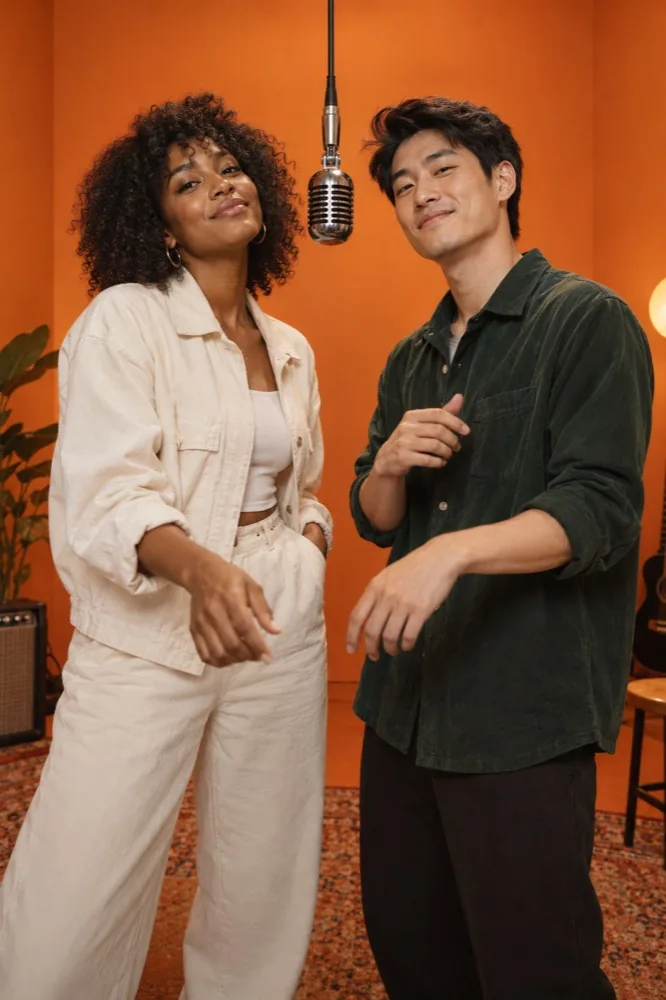
TREND GUIDES
Migos AI video: the Hotel Lobby trend, photos and sound explained
What people mean by Migos AI, where the orange-room video trend comes from, and how to prepare your own adult duo photo.
Read the guide ↗
TREND GUIDES
Higgsfield Hotel Lobby: motion transfer or a photo template?
Understand Higgsfield Genjutsu motion transfer, the reference footage it needs, and how it differs from SnapToClip’s single-photo Hotel Lobby scene.
Read the guide ↗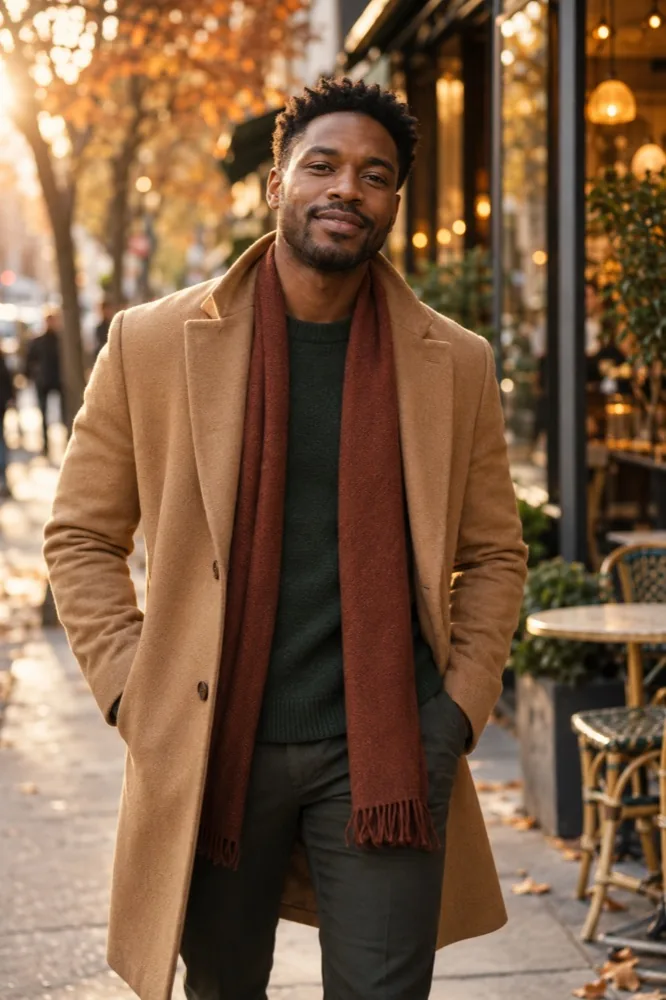
PHOTO TO VIDEO
How do I turn a photo into an AI video?
Choose a clear source photo, compare AI video with photo animation, and plan a five-second vertical clip.
Read the guide ↗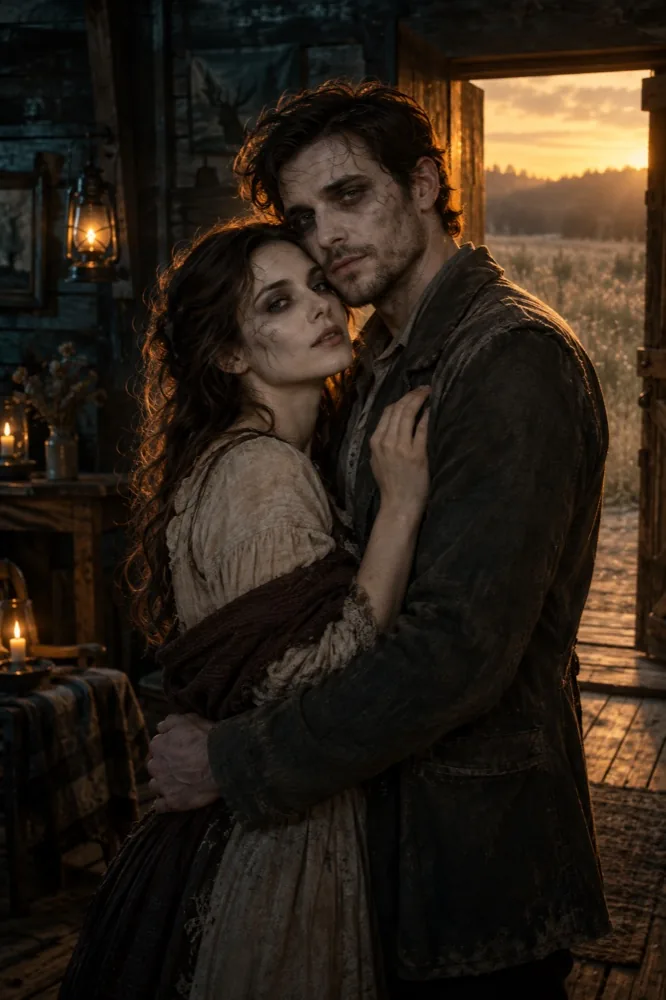
TREND GUIDES
How do I make a Zombie or Hotel Lobby video from my photo?
Photo requirements, scene directions, original sound and the limits of SnapToClip’s two featured people templates.
Read the guide ↗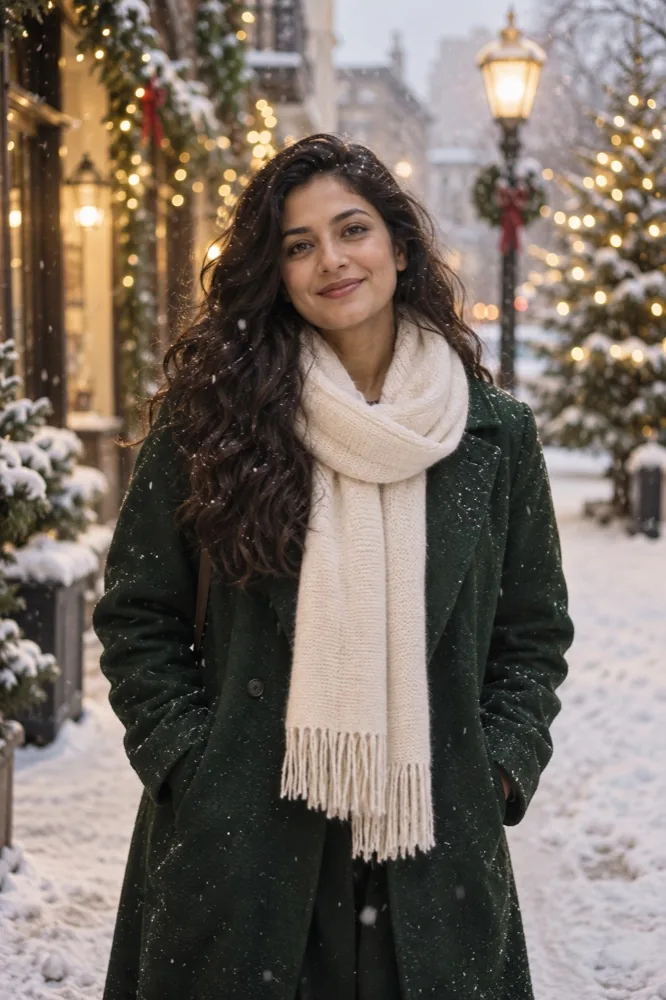
SEASONAL IDEAS
How do I choose a holiday video template that feels seasonal?
Halloween, Christmas and future holiday ideas with distinct colors, settings, lighting and messages.
Read the guide ↗HELP AND ANSWERS
Photo-to-video FAQs
Can I turn a picture or image into an AI video?
Yes. Image to video, photo to video and picture to video describe the same starting point here: one JPG, PNG or WebP image. Choose a template for an authorized adult portrait, pet or product, then create a five-second vertical AI video using paid credits. For free motion and text over the original image, use photo animation instead. This studio does not combine multiple photos into a slideshow.
Read more →Can I turn a photo into an AI video with sound?
SnapToClip has an optional sound setting for supported AI connections. A five-second AI clip with sound uses 2 site credits; a silent clip uses 1. The requested audio is original scene sound or instrumental music. A five-second pet clip with a native audio track has passed end-to-end generation and safety review. Audio and visual results vary; check the studio availability before purchasing.
Read more →What is the difference between free photo animation and AI video?
Photo animation moves your existing picture with particles, camera effects and optional text; it does not generate a new scene. AI video sends an approved photo to a video model to create new motion and scenery. Free photo animation is made in your browser after safety review; both modes pause when safety review is unavailable.
Read more →Which holiday video templates does SnapToClip have?
The current style catalog includes Halloween and Christmas concepts for portraits, pets and products. Thanksgiving, Black Friday, New Year and Valentine’s Day collections are in planning, not available templates. Browse each holiday page for its current selection, date and visual direction; generation availability is shown separately in the studio.
Read more →What content is not allowed on SnapToClip?
Nudity, sexualized content, uncertain-age people, graphic injuries, blood, gore and hateful material are not allowed. People must be clearly adult and fully clothed. Uploaded photos are reviewed before preview; AI output is withheld until review passes. Missing, uncertain or unavailable review blocks release. A service-unavailable message is not a verdict that your photo is inappropriate.
What happens if an AI video fails?
A confirmed failed or canceled generation returns the credits reserved for that job once. If submission times out and the provider might have accepted the task, the job needs reconciliation; it is not automatically retried or refunded. Keep the saved task and avoid submitting another purchase or generation while its state is uncertain.
Read more →MAKE IT YOURS
Create a video from your photo
Create a short video for yourself, your pet or your brand.