
Birthday main character
For one clearly adult portrait. Soft balloons, restrained confetti and a gentle celebration keep the person at the center.
Check portrait photo requirements →Use this birthday look →Turn an authorized adult portrait or pet picture into a five-second vertical birthday clip. Each clip starts from one photo, so pick the best shot you have and make one clip per photo if the album has more. No app to install — make it in your browser: compare two looks, open the matching studio and choose free animation or an AI-generated scene.
For one clearly adult portrait. Soft balloons, restrained confetti and a gentle celebration keep the person at the center.
Check portrait photo requirements →Use this birthday look →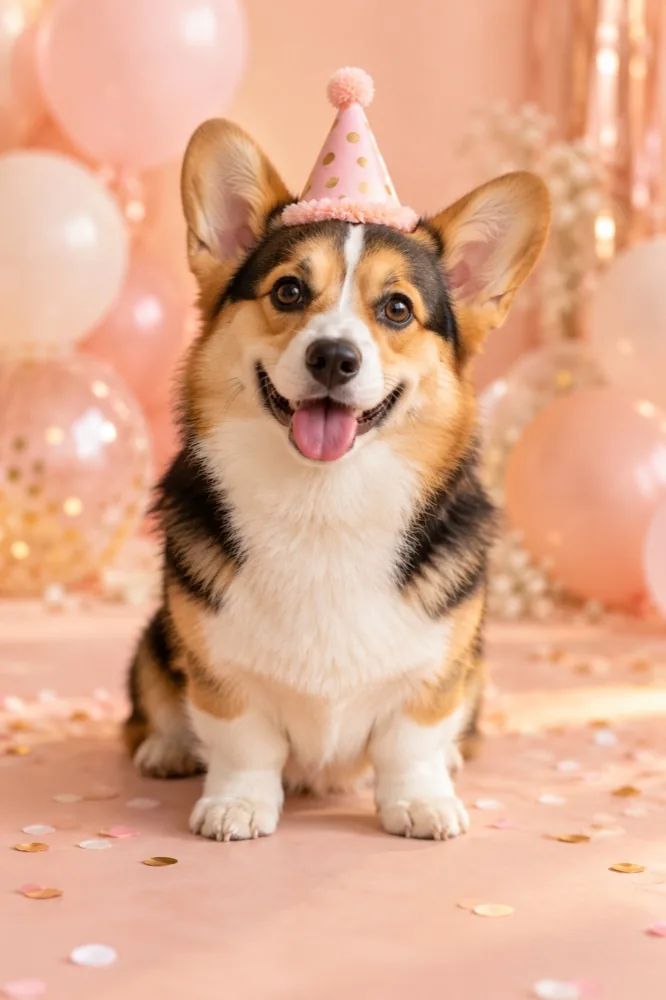
For one clear pet photo. Leave room around the head and ears so the birthday details do not hide the animal.
Check pet photo requirements →Use this pet look →Choose a birthday look for an adult portrait or pet, read its photo requirements, then open its studio. After sign-in, confirm permission, upload one photo and wait for the safety review. Select free photo animation to add motion and your own greeting, or review the credit cost before choosing AI video. Create the five-second vertical clip and download it when ready.
Start with a portrait birthday look →Use free photo animation in your browser without installing an app or spending credits. It adds preset movement and effects to your original photo, rather than generating a new scene. Sign-in and safety review are required before creating. Keep the tab open while your animation records.
For an exact greeting, edit the headline in the free animation studio. Write “Happy Birthday,” add a first name or use your own short message. Preview the placement so it does not cover a face or your pet’s ears. AI video may change or omit text, so use the free animation when wording matters.
For a person, pick one clear picture of an adult with space around the face and shoulders; use Birthday main character. For a cat or dog, keep the head and both ears visible; use Birthday paws. Each template has its own photo guide and a creation form directly on the page.
To make a birthday greeting video with exact words, choose Photo animation · Free and edit the headline to say “Happy Birthday” or write your own message. The original photo stays visible while the browser adds preset movement and decorative effects.
Photo animation · Free keeps your original photo and adds preset motion, your own greeting text and optional instrumental sound. It is created in your browser after sign-in and a safety check. AI video makes a new birthday scene from your approved photo; it uses paid credits when available, and results can vary.
Both options make a five-second vertical clip. AI video does not automatically add a written greeting. Use free photo animation for on-screen text, or add text in a later edit.
How free photo animation works →Use one JPG, PNG or WebP photo up to 20 MB. For people, everyone pictured must be clearly adult, fully clothed and have authorized the use. For pets, use a photo you own or have permission to use. Safety review is required before creation.
The images above are illustrative style concepts, not real output samples or guarantees of the generated result. Check current availability and the credit cost in the studio before choosing AI video.
Make a portrait birthday video →Planning another celebration? Compare Christmas video looks from one photo, or browse every template guide.
Each five-second clip starts from one photo, so a set of photos becomes a set of clips rather than a single file. Make one clip per photo with the same birthday look and join them in a video editor. Only clearly adult, authorized people may appear in a portrait; pet photos must be your own or used with permission.
Yes. Photo animation is free after sign-in and a safety check. It adds preset motion and optional text to your original photo in the browser; it does not generate a new AI scene.
No. The photo animation maker runs in your browser. Keep the tab open until the five-second clip is ready to download.
Yes. Choose Birthday main character for one authorized adult portrait, or Birthday paws for one cat or dog photo. Follow the photo requirements on the template page.
Yes. In Photo animation · Free, edit the headline before creating. AI-generated scenes do not reliably render exact written messages, so add text separately if you choose AI video.
AI video uses paid credits when available. Check the live studio for availability and the exact credit cost before generating; the free browser animation uses no credits.
Yes. Birthday paws is designed for one clear cat or dog photo with the head and ears visible. Use a photo you own or have permission to use.