Make a Christmas pet video from one photo
Use one clear photo of your cat or dog to make a five-second vertical clip. For a dog Christmas video, start with a photo that shows the full head, both ears and distinctive fur. The Wrapped up AI look places the pet inside a festive torn-paper reveal.
Try the Wrapped up look →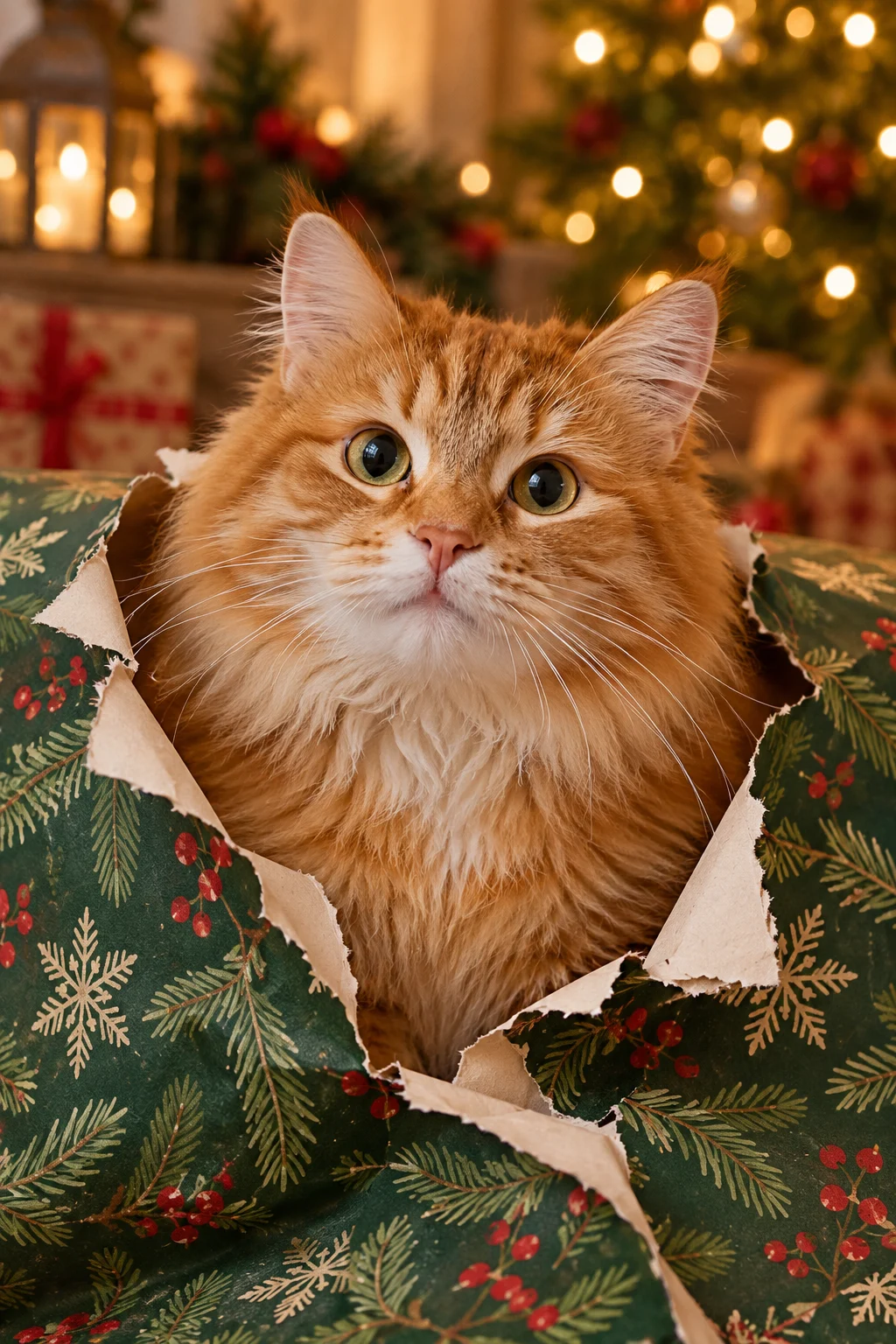
Choose a photo that shows your pet clearly
Face, ears and fur markings
Use one JPG, PNG or WebP photo up to 20 MB. Show exactly one cat or dog with its whole head, both ears and distinct fur markings visible. Avoid hands, costumes, clutter over the face and other animals in the frame.
Light and background
Even light keeps the markings readable after the model has redrawn them; a backlit photo against a bright window tends to lose them. A simple background helps the paper reveal stand out.
Who the photo belongs to
Use a photo you own or have permission to use. Sign in and complete the required safety check before creation.
What the Christmas template creates
The Wrapped up template asks for a calm pet, a paper reveal rising from the lower edge, warm lights and one small blink or head tilt. It asks the model to preserve species, face and fur markings and to keep the head unobstructed. These are instructions to the model, not a guarantee that every generated frame will match the source perfectly.
Costumes can obscure your pet’s face and make the reveal less predictable. For a festive collar, consider adding it later in a video editor.
Read the full template guide →Free animation or AI video
Photo animation · free, keeps your photo
Your original pet photo stays as it is. Preset motion is layered on in the browser, with your own holiday greeting text and optional instrumental sound, and nothing is generated — so the face cannot drift. This is the route to choose when the card has to say a specific thing.
AI video · credits, new scene
AI video creates a new festive scene with paid credits when available. The AI look does not place greeting text in the video automatically. Current availability and credit cost appear before generation.
How free photo animation works →Create a Christmas pet video →Making a different Christmas video?
For one adult portrait or product photo, see the Christmas video maker guide. The pet look is designed specifically for one cat or dog and should not be used with a person or product photo. For everyday pet movements outside the holidays, compare the five looks in the AI pet video maker.
Christmas pet video questions
Can I make a Christmas video from one photo of my cat or dog?
Yes. One JPG, PNG or WebP photo up to 20 MB is enough for a five-second vertical clip. Show exactly one pet, with the whole head, both ears and the fur markings visible, and use a photo you own or have permission to use.
Why does my pet look slightly different in the result?
The model redraws the scene, so it can change an ear angle, an eye shape or the pattern on the fur even when it was asked to preserve them. A plain photo with even light and nothing crossing the face keeps the likeness closest. Check the clip before you send it to anyone.
Can the video say “Merry Christmas”?
AI video does not place your wording on screen. Free photo animation adds editable greeting text in the browser and keeps your original photo, which is the reliable route when the exact words matter. Otherwise add the text in a later edit.
How long is the clip and what shape is it?
Five seconds, vertical 9:16, H.264 MP4 at up to 1080 × 1920 — the model that runs sets the exact pixel size. Vertical is what feeds and messaging apps show without cropping, and five seconds is one reveal — the paper rises, the pet blinks, the clip ends.
What does a Christmas pet video cost?
One credit for a silent five-second clip and two credits with sound. Credits come in one-time packs — 10 for $9.99, 30 for $24.99, 80 for $59.99 — with no subscription. Free browser animation uses no credits at all.
What to know before you create
A Christmas pet video works when the photo already shows the animal clearly. One cat or dog, whole head, both ears, even light, nothing crossing the face — then five seconds of vertical video is enough for a paper reveal and a single blink. SnapToClip keeps the free browser route for anything with exact wording, and labels the seasonal look as a concept rather than a promise about your own pet.