REVIEWED AI VIDEO · 5 SEC · SILENT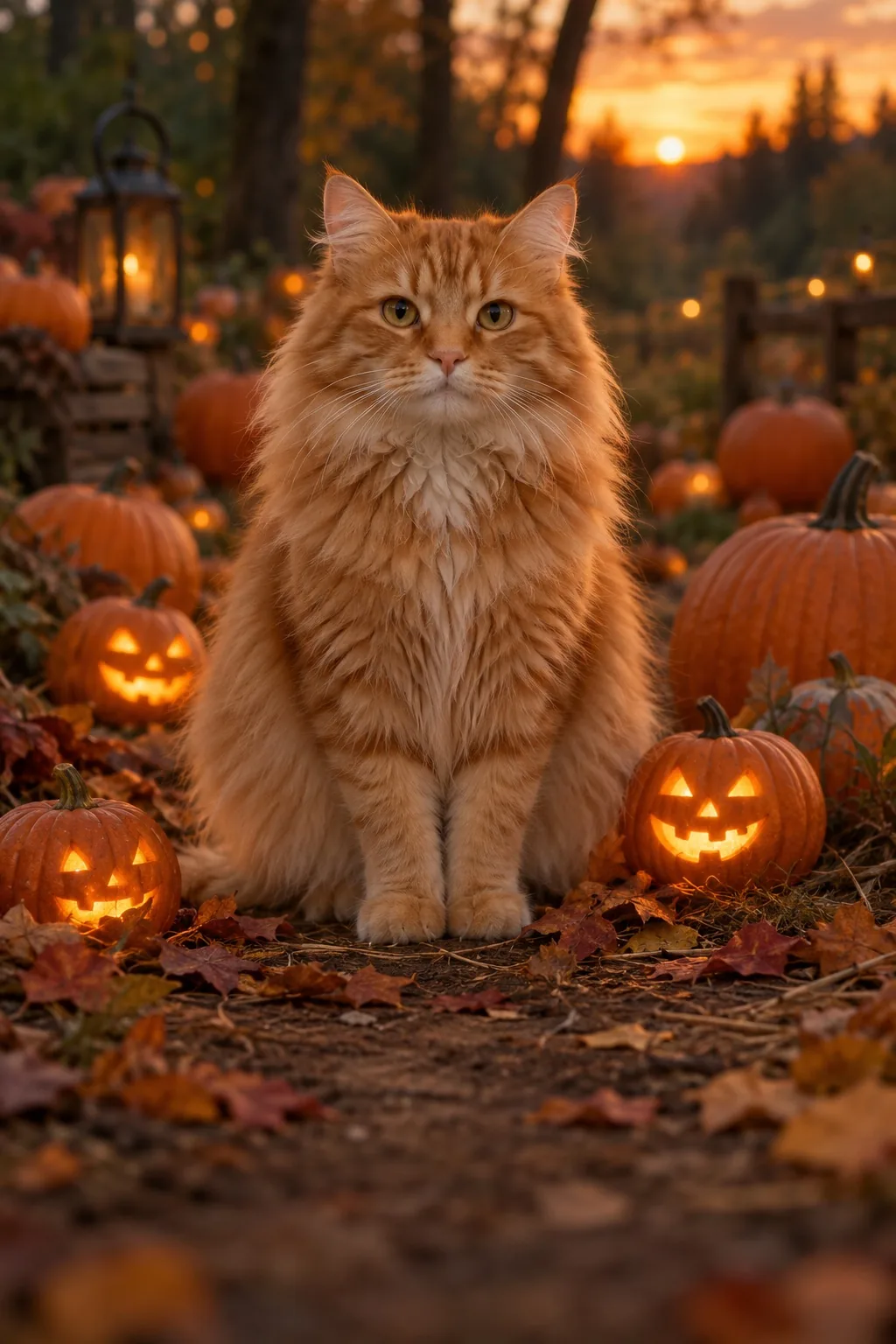 Made from this one project-owned photoUse this look →
Curious nose close-up
One cat walks from its starting pose toward the lens and ends in a close-up.
Made from this one project-owned photoAnimate your original picture with free preset motion, effects and optional text after sign-in and safety review. Choose paid AI video if you want new subject movement. See actual five-second AI videos made from one photo before you upload yours. These two reviewed tests use the same project-owned cat image, so you can compare a gentle head turn with a walk toward the camera.
One cat walks from its starting pose toward the lens and ends in a close-up.
Made from this one project-owned photoThe same cat gives a small natural head turn while staying in its photographed setting.
Made from this one project-owned photoOnly reviewed outputs appear here. Other template pictures are style concepts, not video samples. AI generation uses credits when available; the free mode moves the existing photo as a whole.
Animate your photo →Give one treasured adult portrait a quiet breath of motion.
Use one clearly adult, fully clothed person with an unobstructed face. Head and shoulders should be reasonably sharp; avoid groups, heavy blur, cropped facial features and private text.
1-4 photos · 5 seconds · vertical 9:16
Photo requirements and template guide →The preview below illustrates the style. A reviewed AI video sample is not yet available for this template.
Visual preview · 9:16 · 5 seconds
Photo motion, particles and your text; no new AI scene. Sound is added only when available and selected.
Standard mode automatically uses Kling 2.6, Vidu Q4 or Wan 2.2 based on your photo count and sound setting. Seedance 2.0 Fast and Seedance 2.5 are optional upgrades, selected only with your explicit price confirmation. The studio shows the model and credit cost before generation. Media safety review uses Google Gemini 3.8 Flash. Free photo animation runs in your browser without generating a new AI scene. Check current availability before uploading or buying credits.
We are checking that photo review and video creation are available.
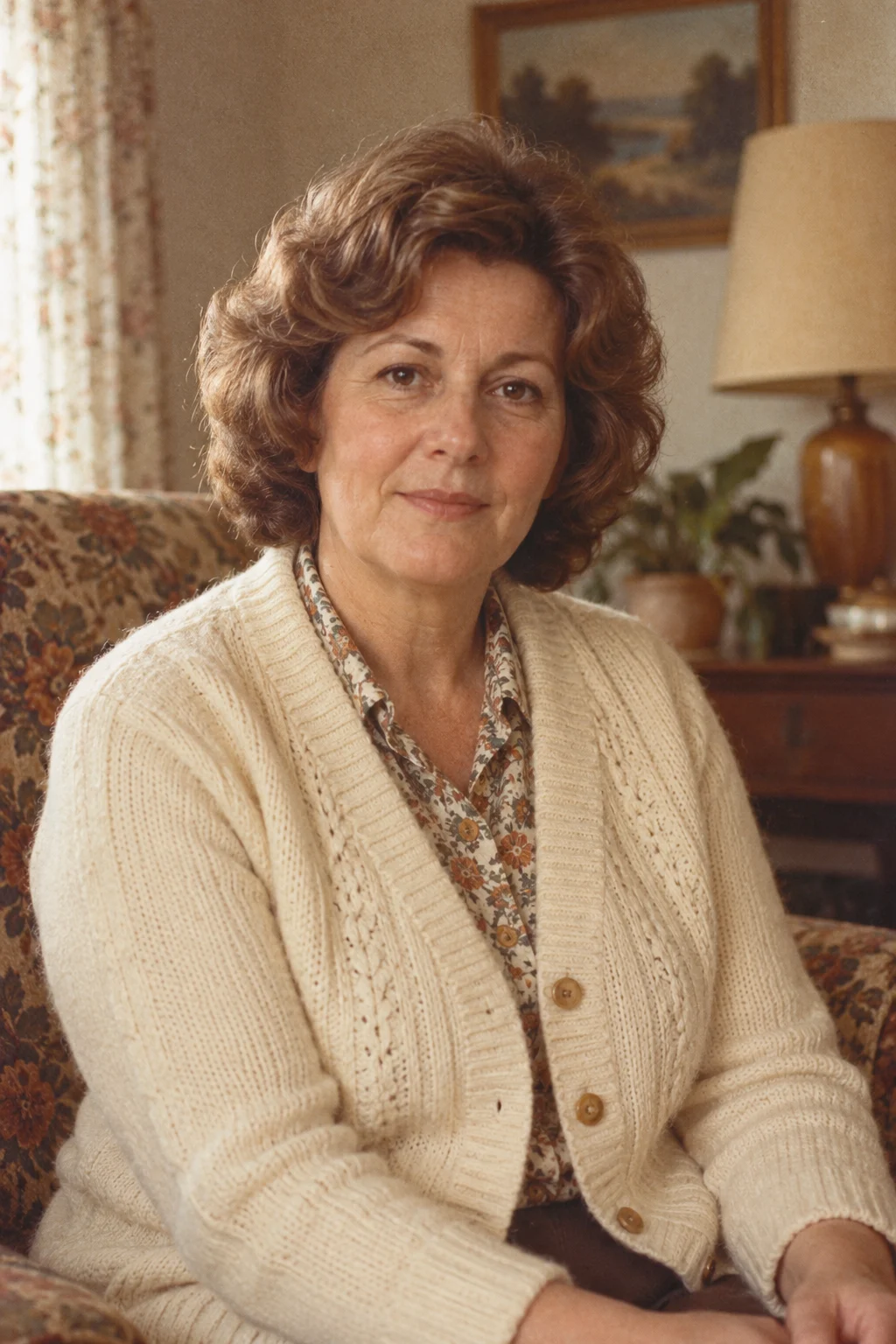 A moment rememberedPeople · Give one treasured adult portrait a quiet breath of motion.Illustrative style concept · View all looks
Adults only, fully clothed. No sexual or graphic content. Photos are checked before generation.
Use one clearly adult, fully clothed person with an unobstructed face. Head and shoulders should be reasonably sharp; avoid groups, heavy blur, cropped facial features and private text.
Adults only, fully clothed. No sexual or graphic content. Confirm permission above before uploading. Your photo is processed on this device first. It reaches the Google Gemini 3.8 Flash safety review only after you sign in.
Your photo and text are sent for safety review first. Animation is then made on your device.
AI video generates new frames and can give the subject visible movement, as in the reviewed pet example above. It uses paid credits when available, and the result can vary. Review the live credit cost in the studio before creating.
Photo animation · Free keeps the original image. It adds preset camera movement, decorative effects, optional text and instrumental sound in your browser. It cannot make a person or pet independently walk, gesture or speak.
Use the AI image-to-video maker to generate a new scene from one photo. Choose a template whose action fits your input image. A clear adult portrait, pet or product photo with room around the subject gives the model space for one visible action. Standard mode automatically selects Kling 2.6, Vidu Q4 or Wan 2.2 and shows the model and price before you confirm. Optional Seedance 2.0 Fast and Seedance 2.5 upgrades cost 2 and 4 credits and require your explicit selection.
If you only want a lightweight greeting or product card, switch to Photo animation · Free. That editor moves the whole image and adds optional text; it does not produce the kind of subject motion shown in the example.
Use a JPG, PNG or WebP image up to 20 MB. Portraits must show clearly adult, fully clothed people who have authorized this use. You can also use a pet or product photo you own or have permission to use.
Sign in and confirm permission before uploading. Your photo and text are checked for safety before preview and creation.
Free browser recordings may export as WebM or MP4 depending on your browser. AI results and availability depend on the live studio.
The studio opens with a quiet adult portrait look; switch the template if you have a pet or product photo. Browse photo-to-video template guides to compare requirements. See a gentle pet look or a product look. For a greeting, try the birthday video maker. Guide images show style concepts, not guaranteed output samples.
Animate your photo →Yes. The image-to-video model generates new frames in which the subject can move. The reviewed pet example on this page shows a cat approaching the camera. Your result depends on the photo, template and model output and may differ.
Yes, but the free option is preset browser motion applied to the original photo, with optional text. It does not generate new subject motion. AI video is a separate credit-based option when available.
No. Both the free photo-motion editor and the AI-video studio run in your browser. Sign-in and safety review are required before uploading.
AI video uses paid credits. Check the live studio for current availability and the exact credit cost before creating. The free preset-motion option uses no credits.