Krea AI (krea.ai): what it makes and costs
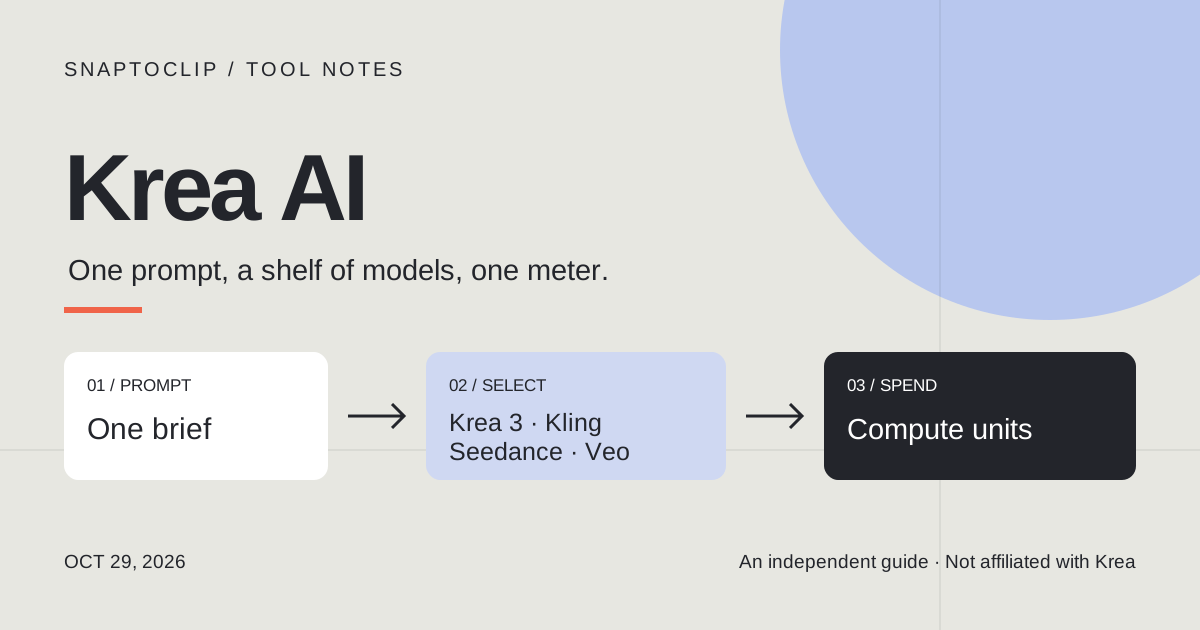
Krea AI is the creative suite at krea.ai: a realtime canvas, its own Krea 2 and Krea 3 image models, and a model selector that runs third-party image and video models — Seedance, Veo, Kling, Wan, MiniMax — behind one interface. It bills in compute units bought through monthly plans rather than per clip. This page is a reading of Krea’s own pages on 29 October 2026, not a hands-on test, and SnapToClip has no connection to Krea.
What is Krea AI made for?
Krea AI is the product at krea.ai, and it started with one idea: render as you draw. On the realtime canvas the picture redraws while you sketch or type, which is still the thing it is known for and still available on the free plan. Around that canvas it has grown into a suite — image generation, video, upscaling, enhancement, LoRA training, lipsync, motion transfer, 3D objects and a node-based workflow canvas.
The part that matters in 2026 is the model shelf. Krea ships its own image models — Krea 2, and Krea 3 which its homepage calls the fastest frontier image model, with Krea 3 Ultra gated to Max — and next to them it runs other companies’ models behind the same prompt box: Nano Banana 2, GPT Image 2.5, FLUX 3, Ideogram 4.5 and Seedream 5.0 Pro for stills; Seedance 2.5, Veo 3.1, Sora 2, Kling 4.0, Wan 2.6, MiniMax H3, LTX-2.5 Pro and Runway for video.
So it is an aggregator with a front end, not a single model. That is the useful way to read every price on this page: you are not buying one generator’s output, you are buying a meter that any of these models draws down. There is also an Agent that plans and iterates, and plugins that put Krea inside After Effects, ChatGPT and Claude — which is why people describe it as a studio rather than a website.
Krea AI pricing: six plans, priced in compute units
Krea does not sell credits that map to a clip. It sells compute units through monthly plans, and each model draws them down at its own rate, so the plan price is a budget rather than a menu. The figures below are the monthly list prices as printed on Krea’s pricing page on 29 October 2026; that page also carries a yearly toggle advertising up to 40% off, which changes the monthly equivalent.
Two columns deserve more attention than the sticker price. Commercial use starts at Basic — the free plan does not carry it. And model access is tiered: Basic gets all image models but only selected video models, while every video model needs Pro. Krea’s own copy also notes that Seedance 2.5 requires Pro or above, and that Krea 3 Ultra requires Max or above.
| Plan | Price per month | Compute units | What it unlocks that the tier below does not |
|---|---|---|---|
| Free | $0 | 100 per day | Full access to realtime models, limited image and video, no commercial licence |
| Basic | $9 | 5,000 per month | Commercial licence, all image models, selected video models, upscaling to 22K |
| Pro | $35 | 20,000 per month | All video models, Nodes and App Builder, Agent, bulk unit discounts |
| Max | $105 | 60,000 per month | Krea 3 Ultra, unlimited LoRA training (2,000 images), unlimited relaxed generations |
| Business | $200 | 80,000 per month | Up to 50 seats, shared Node Apps, team roles and model-access controls |
| Enterprise | Custom | Custom | Priority support with SLA, per-member spend limits, audit logs |
What one image or clip costs in compute units
You cannot convert compute units to dollars from outside, because the burn depends on model, resolution, duration and whether you add audio. But Krea’s own plan cards do the arithmetic for you in their summaries: on Pro, 20,000 units are described as about 450 Nano Banana 2 images or about 65 Seedance 2.5 clips. Divide it out and you land near 44 units per still and 300 units per clip. Those are Krea’s rounded estimates, not a published rate card — treat them as an order of magnitude.
That order of magnitude explains the free plan. At 100 units a day, Free is roughly two stills, or a fraction of one video. It is a test bench for the realtime canvas, not a production budget — which is why “Krea is free” is true and misleading at the same time.
The number to trust is the one the app shows before you press generate. It moves with the model: fast and mini variants exist so you can iterate cheaply, and frontier video models like Veo 3.1, Kling 4.0 and Seedance 2.5 draw down far more per second than a draft model. The workable pattern is to explore on a cheap model and re-render the keeper on an expensive one.
Does Krea AI turn a photo into video?
Yes, through the Video Tool: upload a still as a start frame, describe the motion, and the chosen model animates it. Newer models also take an end frame and tagged references — Kling 4.0 accepts up to 10 reference images and 5 reference videos addressed in the prompt as @Image1 or @Video1, and renders 3 to 30 second clips at 720p or 1080p in 16:9, 9:16, 1:1 or 21:9. MiniMax H3 goes to 2K across 5 to 15 seconds with up to 9 image, 3 video and 3 audio references.
Because Krea is a router, the honest answer to “can it do X” is always “the model you pick can”. The corollary matters more than the feature list: a still is a start frame, not a likeness guarantee. Multi-reference models hold a product label or a face better; fast and mini variants drift more; and every one of them quotes its unit cost before the run.
The tools around video are separate decisions rather than one flow. Motion Transfer restyles existing footage, Lipsync drives a mouth to supplied audio, and the node canvas is where you would chain several shots. None of that is a one-photo, one-clip operation — it is the small-production shape the plan prices are built for.
Krea AI vs one photo, one clip
This is the split that decides whether Krea is the right tool for a specific job. Krea is better when you want to compare models, hold a character or product across shots, or work on a canvas with a team. A photo-to-video studio is better when the job is one still photo and one short clip, today.
| Krea AI | SnapToClip | |
|---|---|---|
| What you bring | A prompt, a start frame, or tagged image and video references | One reference photo |
| What you choose | Model, duration, resolution, aspect ratio | A look and a prompt; the model is chosen for you |
| What you get back | Whatever the selected model returns, up to 30 seconds on Kling 4.0 | One vertical clip, about five seconds |
| How you pay | Monthly plan of compute units, burned per run | One credit per silent clip, two with sound, from one-time packs |
| How you steer it | Model selector, references, nodes, Agent, upscaling | Regenerate with a different look or prompt |
| Made for | Comparing models, multi-shot work, brand and film pipelines | One photo, one social clip, one idea |
If what you have is one photo
SnapToClip does the small version of this job and stops there. You upload one photo — a person, a pet or a product — choose a built-in look, and the studio picks a compatible standard model: Kling 2.6, Vidu Q4 or Wan 2.2. Seedance 2.0 Fast and Seedance 2.5 are optional upgrades with separate prices. One silent five-second clip costs one credit and adding sound costs two, bought as one-time packs rather than a subscription.
Output is vertical 9:16 at up to 1080 × 1920, and the exact pixel size is set by the model that runs — only Kling 2.6 has produced 1080p in our own tests, so the page says “up to” rather than promising a resolution no model delivers every time.
What it does not do is the reason the comparison above exists: no storyboard, no timeline, no multi-scene assembly, no lipsync or voice cloning, and no multi-photo input. If your project needs any of those, Krea is the right kind of tool and this studio is not. If you want the one-clip version, start with a look, then check what the studio needs from your photo.
Common questions
Is Krea AI free? There is a real free plan: $0, 100 compute units a day, no credit card, full access to the realtime models. It does not include a commercial licence, and it runs out of units fast on video. Any page promising unlimited free video is not describing that plan.
What is a compute unit? Krea’s internal meter. Each plan includes a monthly allowance, and each generation quotes a cost in units before it runs, based on the model, resolution, duration and audio. It is not a credit that maps one-to-one to a clip.
Which plan do I need for video? Basic includes selected video models; all video models need Pro at $35 a month, and Krea’s plan copy puts Seedance 2.5 at Pro or above. If you mainly want to test one prompt across several models, that tier is the entry point.
Is Krea 3 the same as Krea AI? No. Krea 2 and Krea 3 are the in-house image models inside the Krea AI product; Krea 3 Ultra is the top variant and needs Max or above. Confusing the model name with the product is the most common mix-up in this cluster of searches.
Does SnapToClip use Krea, or its models? No. Our studio routes standard video models — Kling 2.6, Vidu Q4 and Wan 2.2 — which are different versions from the roster Krea offers. One credit buys a five-second silent clip in standard mode.
Which is cheaper for one clip? They are not comparable line items. SnapToClip charges one credit for the clip; Krea charges a monthly unit allowance and then burns it per run. Compare the price of what you would actually buy, not the headline plan price.
- Plans, compute units and model access — Krea pricing (checked 29 October 2026) ↗
- Video tool, model list and clip lengths — Krea video features ↗
- Kling 4.0 duration, resolutions and tagged references — Krea model page ↗
- MiniMax H3 resolution, duration and references — Krea model page ↗
- Agent workflows and templates — Krea Agent ↗
- Product overview and current model shelf — Krea home ↗
Find your scene.
Browse a template, then check creation availability in the homepage studio.
Explore the looks ↗