SKY-001 ou GPT-6 Astra : lequel choisir ?
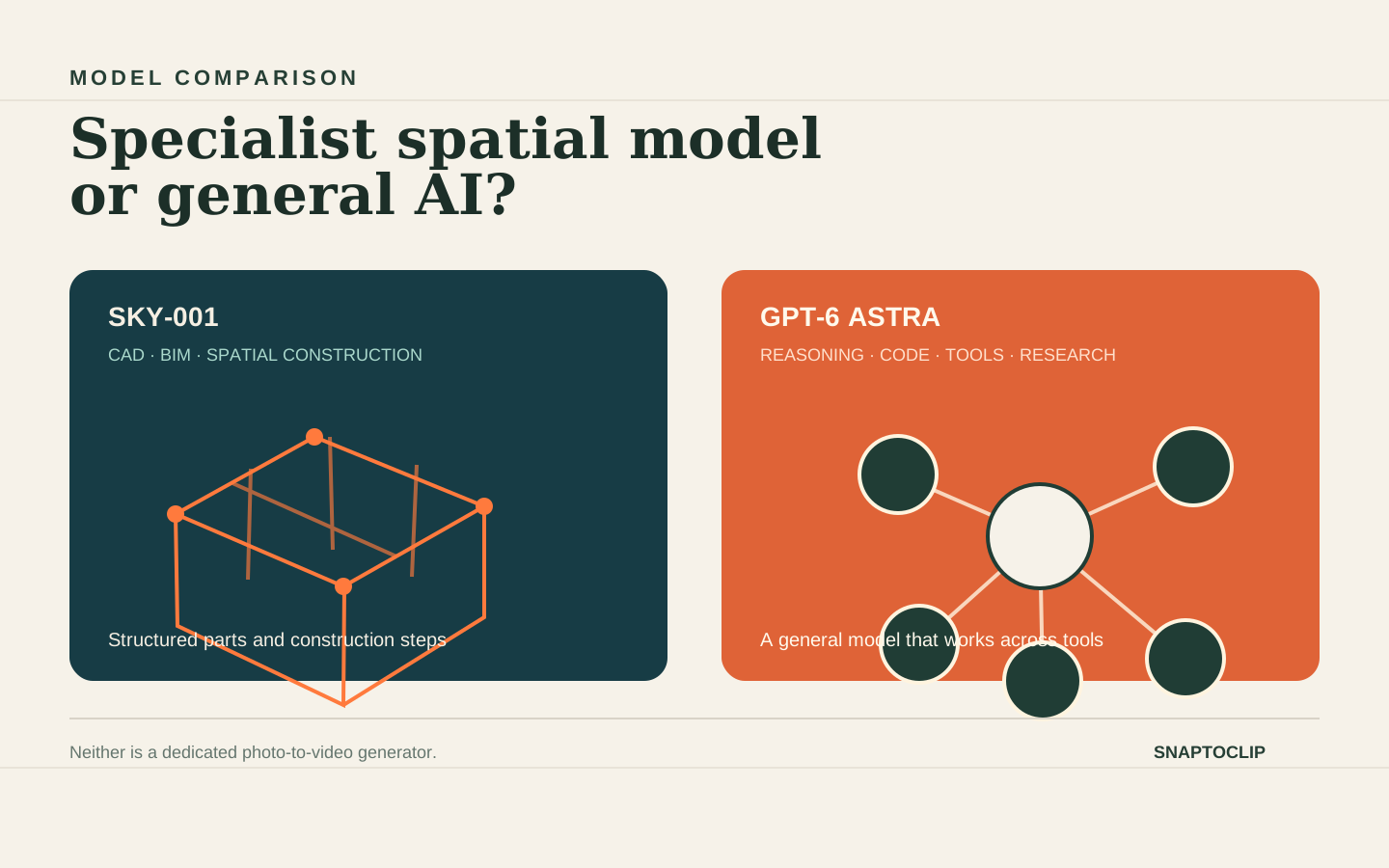
SKY-001 and GPT-6 Astra are built for different jobs. SKY-001 is a specialized spatial world model for engineering tasks such as CAD construction and BIM floor-plan generation. GPT-6 Astra is a general frontier model for reasoning, coding, computer use, research and document creation. Skyfall reports that SKY-001 matched or exceeded Astra on its own CAD and BIM benchmarks at much lower latency and cost. These are vendor-published results, not an independent SnapToClip test. Neither model is a dedicated photo-to-video generator.
What is the main difference between SKY-001 and GPT-6 Astra?
SKY-001 plans directly in a visual and spatial representation. Skyfall describes it as a world model for engineering that breaks a complex object or building into parts, then keeps those parts consistent through a sequence of construction steps. Its published examples focus on reconstructing engineered objects in CAD and generating building layouts in BIM.
GPT-6 Astra is a broad reasoning model. OpenAI documents it for complex reasoning, coding, computer use, research and document creation. It accepts text and image input, can use tools, and can help build or operate a workflow. Its model page does not list native video input or video output.
How did SKY-001 compare with GPT-6 Astra in the published CAD benchmark?
Skyfall tested 1,000 CAD components and scored the final 3D shape against a reference using intersection over union, or IoU. The figures below come from Skyfall’s October 19, 2026 launch post. SnapToClip has not reproduced the benchmark, so treat the results as a vendor claim rather than a neutral ranking.
On that test, the quality scores were close while the reported time and cost differed sharply. The comparison applies to this specific CAD construction task; it does not show that either model is better at every engineering, reasoning or creative task.
| CAD construction metric | SKY-001 | GPT-6 Astra |
|---|---|---|
| Mean IoU | 79.7% | 79.1% |
| Generation time per case | 3.9 seconds | 199 seconds |
| Reported cost per case | $0.005 | $0.75 |
| Source | Skyfall launch benchmark | Skyfall launch benchmark |
What did Skyfall report for BIM?
Skyfall also published a 1,000-case BIM benchmark covering whole-floor and apartment layouts. It reported 43.6% IoU, 1.22 seconds and $0.0024 per case for SKY-001, compared with 40.6% IoU, 144.6 seconds and $0.446 per case for GPT-6 Astra.
The same caution applies: Skyfall designed and published this evaluation. Before choosing a production system, test representative floor plans, validate geometry and constraints with qualified reviewers, and measure the full cost of retries and downstream corrections.
Which model fits your task?
Choose by the output you need rather than by a single benchmark score. A specialized engineering model and a general reasoning model can also be combined in one workflow.
| Task | Better starting point | Why |
|---|---|---|
| Reconstruct a product as CAD parts and operations | SKY-001 | This is a documented SKY-001 use case. |
| Generate or evaluate BIM layouts | SKY-001 | Skyfall publishes a dedicated BIM construction workflow. |
| Research, code, browse or operate software | GPT-6 Astra | OpenAI documents these as core Astra capabilities. |
| Create documents, spreadsheets or presentations | GPT-6 Astra | Astra is designed for broad professional work. |
| Plan an engineering agent | Use both where appropriate | Astra can coordinate tools; SKY-001 can handle a specialized spatial stage. |
| Turn a portrait or product photo into a social video | A dedicated image-to-video model | Neither model is documented as a native photo-to-video generator. |
Can SKY-001 or GPT-6 Astra make an AI video from a photo?
Not as their primary documented function. SKY-001 produces engineering designs and construction sequences. GPT-6 Astra can inspect images and can call supported tools, but its model page lists image as input and does not list native video input or output. A separate video model is still needed to render a moving scene.
When generation is available, SnapToClip automatically selects a standard model for five-second photo-to-video generation, based on photo count and sound. The studio shows the model before confirmation. SKY-001 and GPT-6 Astra are not part of that generation path. For a social clip, compare video-specific qualities such as identity preservation, motion, sound, duration, aspect ratio and cost per usable result.
How should you run a fair comparison?
Use the same inputs and acceptance rules for both systems, then record failed outputs and human correction time. A vendor chart can identify a model worth testing, but it cannot replace evaluation on your own work.
- Select a representative set of CAD parts, BIM layouts or professional tasks before testing.
- Define measurable acceptance criteria such as IoU, constraint validity, editability and completion rate.
- Keep source files, prompts, tool access, timeout rules and retry limits consistent.
- Record total latency and cost, including failed runs, retries and human corrections.
- Have qualified people inspect engineering outputs before they enter a real design or construction process.
What does GPT-6 Astra cost through the API?
OpenAI’s model page lists standard text-token pricing of $10 per million input tokens, $1 per million cached input tokens and $50 per million output tokens. Prompts above 272,000 input tokens use higher multipliers. Tool calls and other model-specific services can add separate charges.
That API rate is not directly comparable with Skyfall’s reported cost per completed CAD case. One is token pricing for a general model; the other is a task-level figure from a vendor benchmark. Compare complete workflows on the same task before drawing a cost conclusion.
Trouvez votre scène.
Parcourez un modèle, puis vérifiez la disponibilité de la création dans l’atelier de la page d’accueil.
Explorer les styles ↗